Connect → OpenCode
Use AxForge with OpenCode
OpenCode is an open-source coding agent for the terminal. It takes any OpenAI-compatible service as a provider in its config file.
- An AxForge API key. Get one (a minute).
- Node.js 18 or newer. This guide was tried with OpenCode 1.19.3 on 2026-10-17.
Set it up
-
Install OpenCode
npm install -g opencode-ai -
Add AxForge as a provider
Create
~/.config/opencode/opencode.json(on Windows%USERPROFILE%\.config\opencode\opencode.json):{ "$schema": "https://opencode.ai/config.json", "provider": { "axforge": { "npm": "@ai-sdk/openai-compatible", "name": "AxForge", "options": { "baseURL": "https://api.axforge.ai/v1", "apiKey": "{env:AXFORGE_API_KEY}" }, "models": { "qwen3.8-27b-nvfp4": { "name": "Qwen3.8 27B", "limit": { "context": 262144, "output": 16384 } }, "glm-5.3-flash": { "name": "GLM-5.3-Flash", "limit": { "context": 262144, "output": 16384 } }, "mimo-v2.6-flash": { "name": "MiMo-V2.6-Flash", "limit": { "context": 262144, "output": 16384 } } } } }, "model": "axforge/qwen3.8-27b-nvfp4" }{env:AXFORGE_API_KEY}reads the key from the environment, so it never lands in the file. The last line makes Qwen3.8 27B the model OpenCode starts with. Each model'slimittells OpenCode that it reads 262,144 tokens at once, so it shortens a long session before it reaches that.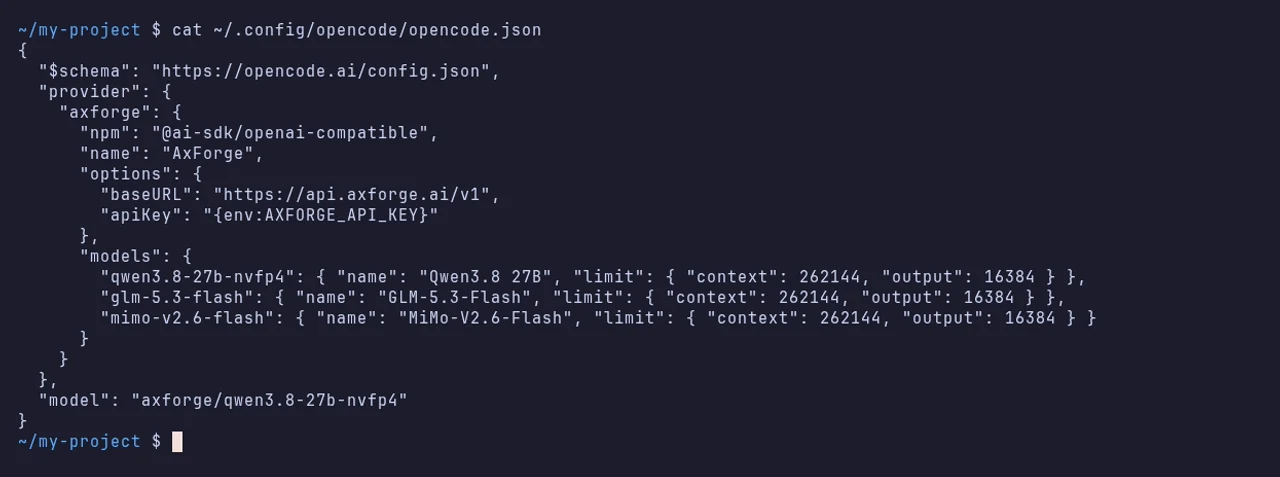
-
Put your key in the environment
export AXFORGE_API_KEY="orx_live_your_key_here"$env:AXFORGE_API_KEY = "orx_live_your_key_here"It lasts until you close this terminal. Start OpenCode from the same one.
-
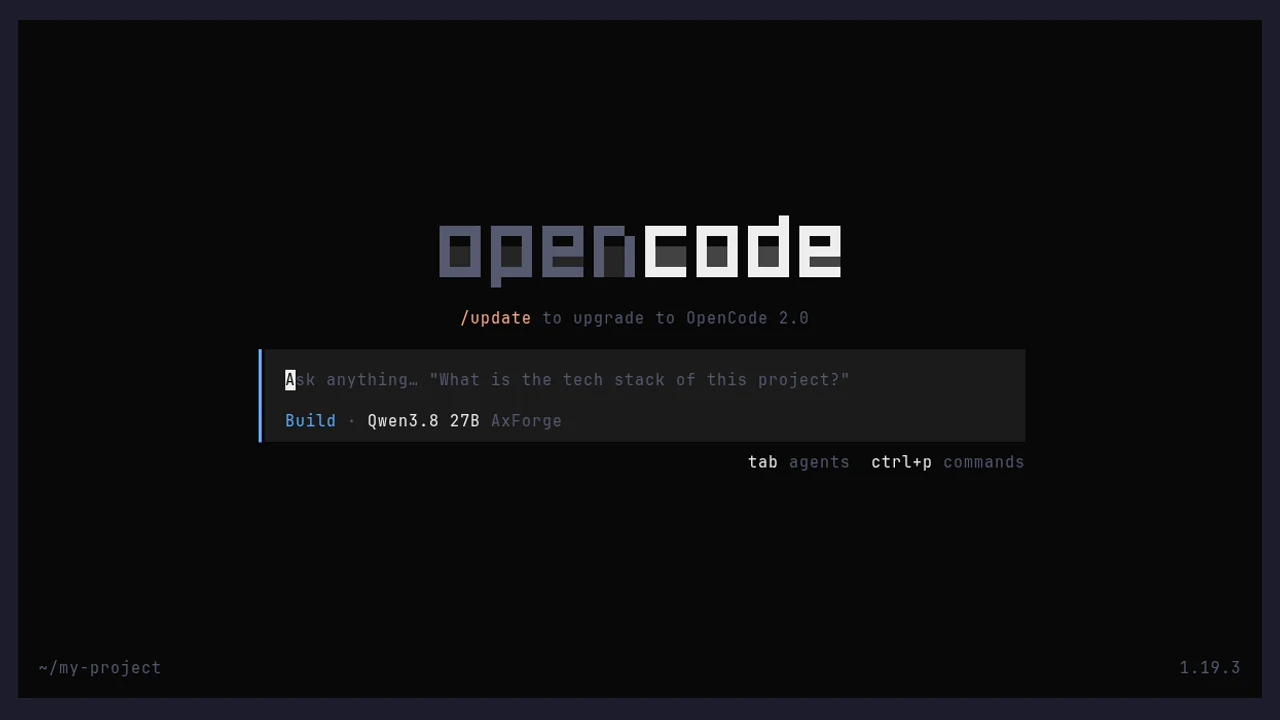
Start it in your project
cd my-project
opencode
Under the message box it says Qwen3.8 27B AxForge.
-
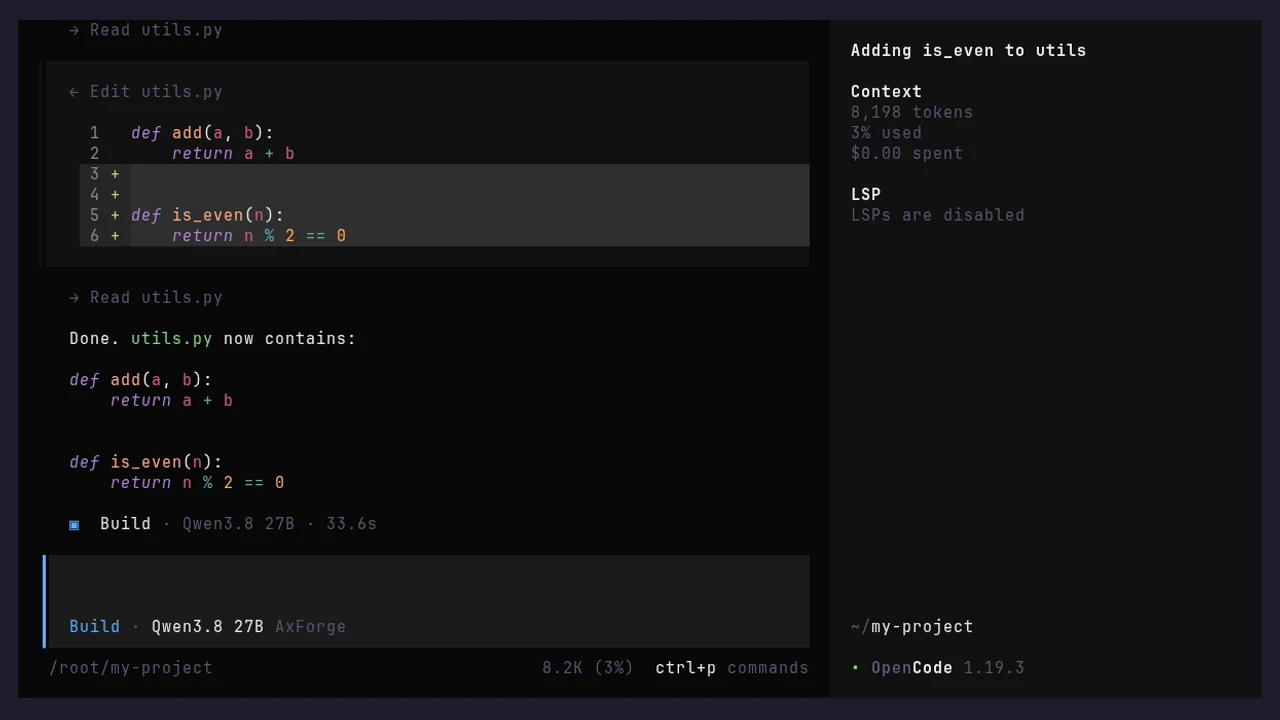
Give it a task
Ask in plain words. It finds the file, edits it and shows the result.
The settings
| Setting | Value |
|---|---|
| npm | @ai-sdk/openai-compatible |
| options.baseURL | https://api.axforge.ai/v1 |
| options.apiKey | {env:AXFORGE_API_KEY} |
| models | qwen3.8-27b-nvfp4, glm-5.3-flash, mimo-v2.6-flash |
| limit (each model) | context 262144, output 16384 |
| model | axforge/qwen3.8-27b-nvfp4 |
Which model for what: qwen3.8-27b-nvfp4 is the
everyday default and reads images, glm-5.3-flash thinks before it answers,
mimo-v2.6-flash is the fastest. To start on another one, change the last line of the file, for
example to axforge/glm-5.3-flash.
Check that it works
Under the message box it says Qwen3.8 27B AxForge, and a task gets done. The calls show in the console under API Keys → Recent calls within a minute.
When it does not work
| What you see | What it means | Fix |
|---|---|---|
| "Invalid API key. Create one at https://console.axforge.ai/keys." | the key is not in this terminal, or it was refused | set it as in step 3, in the same terminal; or make a new key |
| Another model or provider under the message box | the config file was not found | check the path and the file name, opencode.json |
Test a call says in one click whether a problem is your key, your balance or us.